
Last Updated: October 30, 2026
Quick Summary
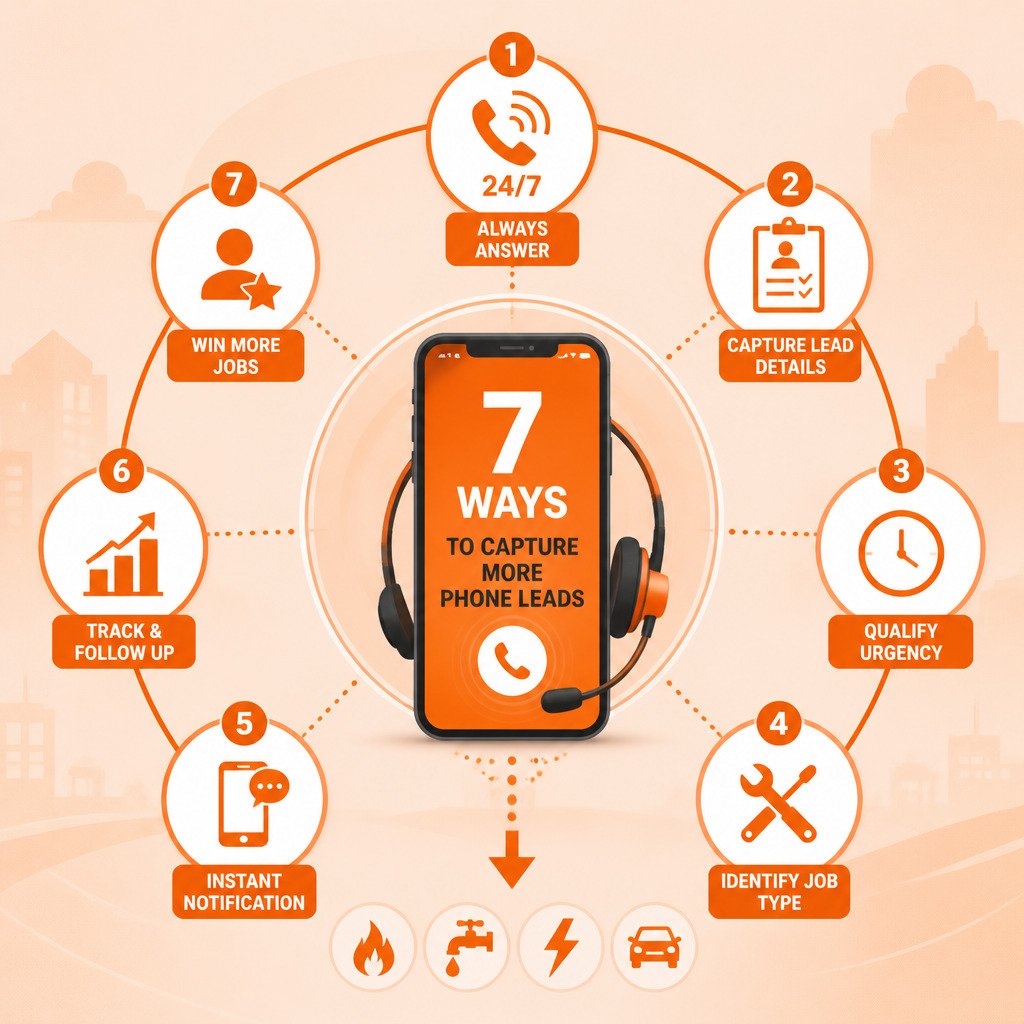
Phone lead capture catches calls you can't answer, records the caller's name, number, problem and address, and sends you that summary quickly. Affordable options include live answering services, part-time receptionists, and AI missed-call capture. The cheapest sticker price is rarely the cheapest total cost, so compare per-minute overage, add-on fees and your own time.
- Keep your existing business number so customers don't have to learn a new one.
- A useful lead summary includes name, callback number, problem, address and urgency.
- Compare total 12-month cost, including setup, overage and add-on fees, not just the base fee.
- Triage lead summaries by urgency: emergencies first, same-day requests next, quotes last.
- Judge capture by testing it on your own missed calls during a trial week.
Table of Contents
- Why Missed Calls Cost Contractors More Than They Think
- What to Look for in Affordable Phone Lead Capture
- Contractor Answering Service Options Compared by Total Cost
- Missed Call Text Back for Contractors: How It Works in Practice
- Setting Up a Contractor Lead Follow-Up Process and HVAC Lead Capture Workflow
- Start Your Free Trial and Test It on Your Missed Calls
- Frequently Asked Questions
Why Missed Calls Cost Contractors More Than They Think
When you're under a sink or up on a roof, your phone rings and goes unanswered. See how CallGrabbr handles urgent heating and cooling calls when you can't pick up.
The cost isn't only the one job you didn't get. It's the pattern. Callers who reach voicemail often assume you're busy or unavailable, and some won't call back.
What to Look for in Affordable Phone Lead Capture
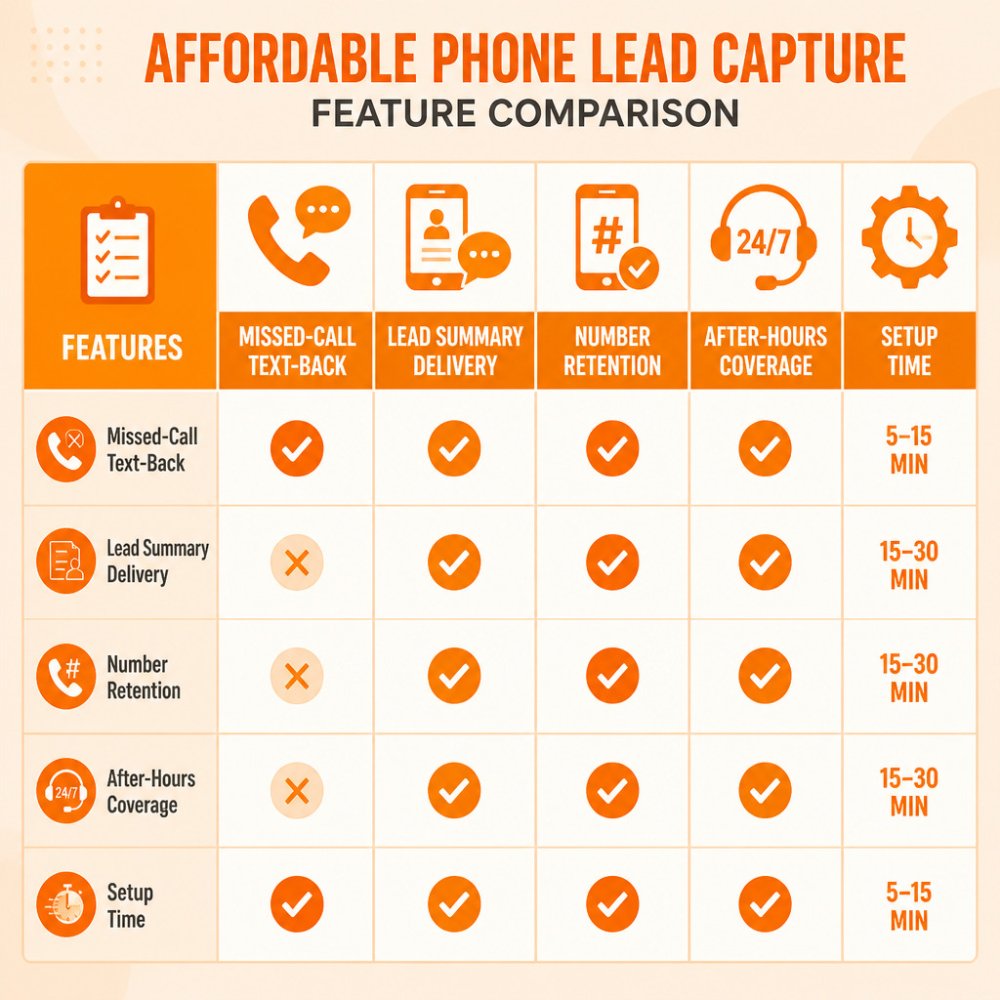
Not every option that claims to capture leads does the same job. When you compare tools, focus on a few practical questions:
- Does it keep your number? Customers already know your number; a system that forces a new one creates confusion.
- What does the lead summary contain? A useful summary includes the caller's name, callback number, the problem, the address, and how urgent it is.
- How do you receive it? Text or email alerts beat a dashboard you have to remember to log into.
A simple scoring method helps. Give each option a 1 to 5 score on each question, then weight the answers that matter most to your business.
Contractor Answering Service Options Compared by Total Cost
A contractor answering service usually comes in three forms: a live answering service, an in-house receptionist, or an AI-based missed-call capture system. Each has a different cost structure, and the cheapest sticker price is rarely the cheapest total cost.
How each option actually bills
- Live answering services often bill per minute or per call, sometimes with a monthly minimum and overage charges. Ask three questions before you sign: What is the per-minute rate after the included minutes? Is there a setup fee? Do they charge extra for after-hours or holiday coverage? Those three line items are where the real monthly cost hides.
- A part-time receptionist carries payroll, payroll taxes, workers' compensation, and coverage gaps when that person is sick, on vacation, or busy with a walk-in. You also pay for hours when the phone isn't ringing.
- AI missed-call capture is typically sold as a subscription. It only engages on calls you don't answer, so you aren't paying for conversations you already handled. Check each provider's current plan structure, including any included allowance and overage rate.
A simple total-cost worksheet
You don't need a spreadsheet to compare. Write down these five numbers for each option and add them up over a 12-month horizon:
- Monthly base fee × 12.
- Setup or onboarding fee (one time).
- Estimated overage: your average missed calls per month minus the included allowance, times the overage rate.
- Add-on fees for after-hours, extra users, or number changes.
- Your own time to manage the service, valued at your billable hourly rate.
The revenue side of the equation
Cost only matters next to what a recovered job is worth. Suppose, purely as a hypothetical, that your average job is worth a few hundred dollars in revenue and you recover two additional jobs a month you would otherwise have lost. Whether that math favors capture depends on your actual subscription cost and job margins. But revenue is not profit.
Which option fits which contractor
- One truck, high call volume, mostly emergencies: AI missed-call capture usually wins on cost and always-on coverage.
- Multi-crew shop with complex scheduling and dispatch: a live answering service or a dedicated dispatcher may earn its cost by handling reschedules and routing.
- Owner who answers most calls but loses the ones that come in under a sink: missed-call capture fills the specific gap without paying for a full-time person.
For current plan details and included allowances, check each provider's own pricing page, since plans and inclusions change. CallGrabbr's current pricing is on its pricing page.
Be honest about the tradeoffs. A live person handles a long, unusual conversation better than an automated system, and some homeowners simply prefer a human voice.
Here is how the three main options compare on the cost factors that matter most.
| Option | How it bills | Hidden cost to check |
|---|---|---|
| Live answering service | Per minute or per call, sometimes with a monthly minimum | Overage rate after included minutes |
| Part-time receptionist | Hourly payroll | Payroll taxes, workers' comp, coverage gaps |
| AI missed-call capture | Subscription, engages only on unanswered calls | Included allowance and overage rate |
Missed Call Text Back for Contractors: How It Works in Practice
Here is the typical workflow with a missed-call system:
- You keep your existing business number.
- Calls you don't answer are forwarded to the service.
- The system asks the caller for their name, the problem, the address, and how soon they need help.
- You receive a short lead summary by text or email within moments.
- You call back the most urgent leads first.
Picture this: you're returning calls between jobs and see three summaries. One is a no-heat call. You prioritize it while the other two wait. That is the practical benefit, not a guaranteed sale. A lead is a caller who gave you their details, not a booked job.
Setting Up a Contractor Lead Follow-Up Process and HVAC Lead Capture Workflow
Capturing a lead only helps if you follow up, and follow-up is where most small service businesses leak work. The goal is a repeatable process you can run from the truck between jobs, not a CRM project. Here is a workflow built around the phone.
Step 1: Set a response window you can actually hit
Decide how quickly you'll call back by category, then write it down where you'll see it:
- Emergencies (no heat, no cool, flooding, no power, gas smell): call back as soon as you're off the current job, ideally within the hour.
- Same-day requests: call back the same business day.
- Quotes and routine work: call back within 24 hours.
The window matters more than the exact number. A caller who hears back in 20 minutes is far more likely to book than one who hears back tomorrow, and a missed-call system that texts the caller an acknowledgment buys you that time.
Step 2: Qualify with the right fields
A useful lead summary collects enough to decide whether the job is worth a trip. For home-service work, the fields that matter most are:
- Service type (HVAC repair, install, drain clearing, panel upgrade, brake job).
- Symptom or request in the caller's words.
- Address or service area, so you can rule out jobs outside your radius.
For HVAC specifically, ask for the system type, the symptom, and whether anyone is without heat or cooling. Those details help you decide quickly whether a call needs a same-day visit.
Step 3: Sort by urgency, not by arrival order
Three summaries can land while you're under a sink. Triage them before you dial:
- Safety and no-comfort calls first.
- Same-day requests next.
- Quotes and routine work last.
This is the practical benefit of capture: you decide the order, not the caller who happened to dial first.
Step 4: Use a short text-back script
When you can't answer, an automatic acknowledgment keeps the caller from dialing the next company. A plain, honest script works better than a sales pitch:
Keep it short, identify the business, set the expectation, and give the caller one easy next step. Avoid promising a callback time you can't keep.
Step 5: Record the outcome
After each callback, note one of four outcomes: booked, quoted, not a fit (out of area, price, wrong service), or no answer. Over a month, this tells you where leads stall. If most stall at "quoted," your follow-up on estimates is the problem, not your capture.
Step 6: Follow up once, then let it go
A short text or callback the next day recovers some leads that didn't answer the first time. One follow-up is polite; three is pestering. If a lead goes cold after one attempt, mark it and move on.
Where this hands off to scheduling and dispatch
Capturing a lead is not the same as booking an appointment or completing a sale. The summary gets the caller's details to you; you still make the callback, confirm the job, and put it on the schedule. If you use field-service software for scheduling, estimating, or dispatch, check how the capture tool delivers data. Lead summaries can be delivered in different ways, including email, text, or a connection to a CRM.
Start Your Free Trial and Test It on Your Missed Calls
The best way to judge phone lead capture is to test it on your own missed calls. Check the CallGrabbr site for current trial terms.
Run the test for a week. Count how many summaries are useful, how many callers you reached back, and how many became jobs. Those numbers will tell you whether the system is worth keeping.
Frequently Asked Questions
How can contractors capture leads when they miss a phone call?
The most reliable approach is a missed-call system that answers calls you cannot take, such as while you are under a sink or on a roof. You keep your existing business number, unanswered calls forward to the service, and it asks for the caller's name, address, job type, and urgency. You then receive that summary by text or email, usually within minutes. Pair this with a short callback routine so every caller hears back the same day, which keeps the lead from going to a competitor.
What is the most affordable way for a contractor to answer business calls?
Compare options on total monthly cost, not just the headline rate. A part-time live receptionist costs more hours and sick-day coverage, while AI-based missed-call capture covers calls only when you miss them. Check CallGrabbr's pricing page for current plans and the free trial terms, and compare the cost of any plan against what you lose on a single missed job. A quick calculation: if one missed emergency call would have been a $400 repair, compare that figure against your plan cost to see how many recovered jobs it takes to pay off. Treat that as a hypothetical, since not every missed call would have converted.
What information should contractors collect from a new caller?
Collect five details for almost every service call: the caller's name, callback number, service address, the problem in one sentence, and how urgent it is. Add equipment type or make when relevant, such as a furnace model for HVAC or a panel brand for electrical. These fields let you decide on the spot whether to call back, quote, or schedule. A lead summary that includes these details is more useful than a raw transcript you have to read through between jobs.
Can a missed-call service send lead details by text?
Yes. CallGrabbr is designed to send a lead summary to your phone by text, so you can review it between stops without logging into a dashboard. The summary includes the caller's details and the job information collected during the call. Confirm current delivery options on the CallGrabbr website before you sign up, since channels and plan features can change.
