Table of Contents
- Why HVAC Businesses Miss Calls and Lose Revenue
- What Happens to Missed Calls After Hours
- How to Set Up HVAC Missed Call Text Message Capture
- Using an HVAC Call Answering Service for 24/7 Coverage
- HVAC Call Scripts for Booking Appointments and Collecting Details
- Callback Workflows and Lead Recovery
- Measuring Success: Tracking Answer Rates and Recovered Revenue
- Common Mistakes to Avoid When Capturing Missed Calls
- Frequently Asked Questions
Last Updated: October 18, 2026
Why HVAC Businesses Miss Calls and Lose Revenue
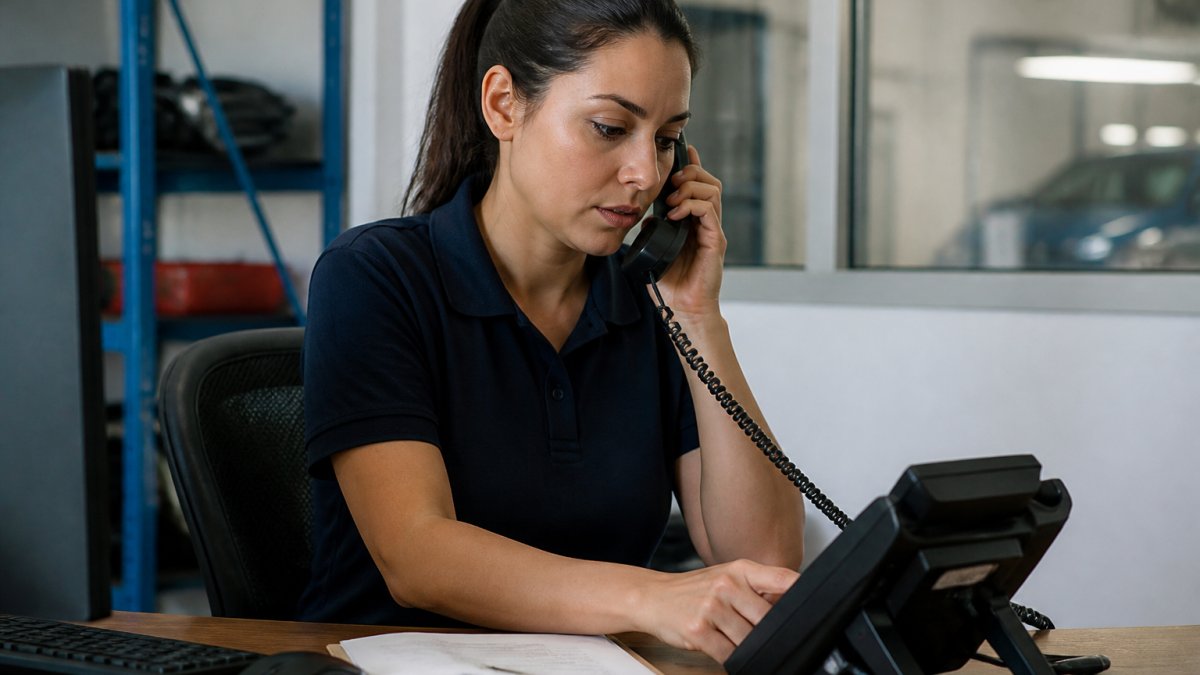
Missed calls cost HVAC businesses real money. When you're on a job site and voicemail picks up, by the time you call back two hours later, the customer has already booked with a competitor.
This happens constantly in the trades, one person can't answer calls and run a job at the same time.
The first five minutes after a customer calls matter more than anything else. Call back in 30 minutes and the lead is already gone.
That's where learning how to capture missed HVAC calls becomes critical. You need a system that answers when you can't. Not a voicemail. Not a callback hours later.
What Happens to Missed Calls After Hours
When your phone goes to voicemail after hours, several things happen, and none are good.
First, the caller leaves a message.
Second, the caller moves on, they call the next HVAC company in the search results and schedule before you ever call back.
Third, you lose the urgency signal. Emergency, routine maintenance, or new installation inquiry? The voicemail doesn't tell you, so you're flying blind when you call back.
The real damage happens in those first few minutes. Your competitor isn't missing calls, they're capturing them, texting back within seconds, and booking the job while your voicemail is still recording.
This is why after-hours HVAC call handling matters.
How to Set Up HVAC Missed Call Text Message Capture
Setting up a system to capture missed HVAC calls doesn't require technical expertise or a complete overhaul. Follow these steps.
Step 1: Choose Your Call Capture Method
You have three main options: a traditional answering service, a voicemail-to-text service, or an AI-powered call capture system.
A traditional answering service means hiring people to take messages. They're professional but expensive and require training on your business processes.
Voicemail-to-text services transcribe voicemails automatically. They're cheaper, but they only work after the call goes to voicemail, the caller has already reached a machine.
An AI-powered call capture system answers calls in real time, sounds like a real person, and asks the right questions.
For most one-truck HVAC shops, an AI system designed for your industry makes the most sense: affordable, works with your existing phone number, and captures missed calls 24/7.
Step 2: Configure Your After-Hours HVAC Call Handling
Once you've chosen your method, set up how calls get handled when you're unavailable.
Start with your phone number, you don't change it. A good system works with the number your customers already know and forwards calls when you don't answer.
Next, set your availability windows, live person during business hours, AI after-hours, system on weekends. Most HVAC call capture systems let you control this with simple rules, no coding required.
Then configure what information the system should collect. For HVAC work, you need:
- Customer name and callback number
- Service address (where the work is needed)
- What's broken or what they need (furnace repair, AC installation, maintenance)
- How urgent it is (emergency, same-day, can wait)
- Any other details specific to your business
A good system asks these questions naturally and adapts if the caller gives information out of order.
Step 3: Set Up Lead Routing and Text Delivery
The capture system needs to know where to send the information after the call ends.
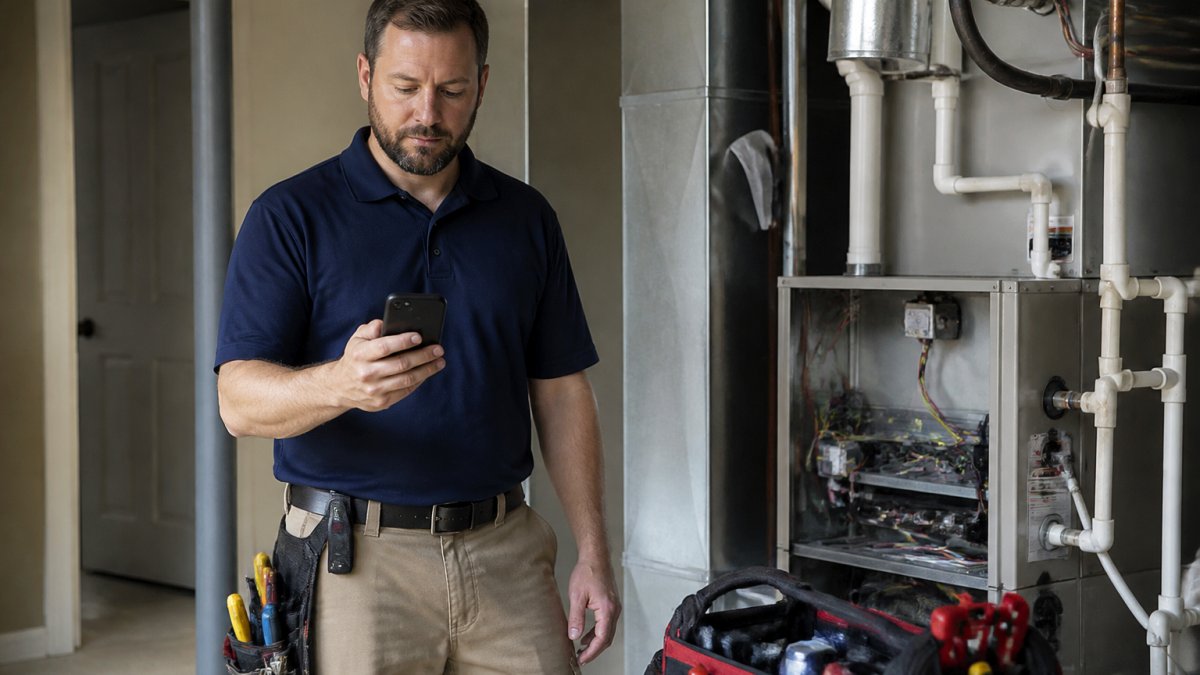
Most systems text the details to your phone. You get the lead in seconds and know exactly what you're dealing with, no voicemail, no guessing.
Some systems also offer email or app notifications. Text is fastest. Email is easier to read. Choose what works for your workflow.
Set up escalation rules if you work with a team: emergencies go to you and your lead technician, routine maintenance to the office manager. A well-designed system lets you control this without complexity.
Using an HVAC Call Answering Service for 24/7 Coverage
A dedicated HVAC call answering service provides round-the-clock coverage, which matters most during seasonal demand spikes and emergencies.
In winter, furnaces break down and people need emergency service. If you're running jobs back-to-back, a 24/7 answering service makes sure no call goes unanswered.
The service answers in your business name, captures the caller's information, and either transfers the call or sends you a message immediately.
The key difference between a traditional answering service and an AI-powered capture system is speed and cost. A traditional service employs people; an AI system uses automation.
When choosing a 24/7 service, look for these features:
- Calls answered in real time (not sent to voicemail)
- Information delivered to you immediately (text, email, or app)
- No learning curve for your team
- Integration with your existing phone number
- Support for emergency triage (flagging urgent calls)
A good service fits into your existing workflow.
HVAC Call Scripts for Booking Appointments and Collecting Details
Your call capture system needs a good script, what the system "says" when it answers. It sets the tone and tells the customer they've reached a real business that can help.
A good HVAC call script is short, professional, and focused on gathering the information you need.
Here's a framework:
Opening: "Thank you for calling [Your Business Name]. I'm here to help with your heating and cooling needs. What can I do for you today?"
Problem identification: "Tell me what's happening with your system."
Urgency assessment: "Is this an emergency, or can this wait a few days?"
Location confirmation: "What's the address where you need service?"
Callback details: "What's the best number to reach you?"
Closing: "Thank you. We'll get back to you shortly with availability."
The script should sound natural, not robotic.
What Information to Collect from Every Caller
You need specific data from every call to book the job.
Essential information:
- Full name and callback phone number
- Service address (not just the city, the complete address)
- Type of system (furnace, AC, heat pump, etc.)
- What's broken or what they need (repair, maintenance, installation)
- How urgent (emergency, same-day, routine)
Optional but valuable:
- Whether they're a current customer or new customer
- If they've had service from you before
- Any specific preferences or notes
Collect this information conversationally. A good system asks questions in a natural order and doesn't ask for information it already has.
How to Triage Emergency Calls and Urgent Requests
Not all calls are equal. No heat in January or AC down in July needs different handling than a routine maintenance request.
Your capture system should identify emergency calls automatically. When a caller says "My furnace stopped working and it's freezing," the lead gets flagged as urgent and routed to you immediately, not to a queue.
For HVAC businesses, emergency triage usually follows this logic:
- Emergency: No heat in winter, no AC in summer, safety concern, customer explicitly says "emergency"
- Urgent: Same-day need, customer mentions discomfort, time-sensitive request
- Routine: Maintenance, inspection, installation quote, can wait a few days
A well-designed system makes this triage automatic. It learns the language that indicates urgency, marks calls accordingly, and delivers the information with a clear urgency flag.
This is where an AI system designed for HVAC work beats a generic answering service, it knows what constitutes an emergency in your business.
Callback Workflows and Lead Recovery
A captured missed call is only valuable if you follow up fast. Your callback workflow determines whether you convert that lead into a booked job.
The ideal callback happens within five minutes of capture, you see the text, see the details, and call back while the customer is still thinking about their problem.
Most customers who call an HVAC company are ready to book. Call back within minutes and you book the job; call back an hour later and they've already called someone else.
Here's a callback workflow that works:
- Receive the lead via text. You see customer name, address, problem, and urgency.
- Review the details. Take 10 seconds to understand what they need.
- Call back immediately. While they're still engaged.
- Confirm the details. Verify the address and problem.
- Offer a time. Give them a specific appointment window.
- Book it. Get confirmation and add it to your schedule.
For leads you can't reach immediately, set up a recovery sequence:
- First attempt: Call within 5 minutes
- Second attempt: Call within 30 minutes
- Third attempt: Text message with a callback request
- Fourth attempt: Try again the next day
Most HVAC leads convert on the first callback.
Measuring Success: Tracking Answer Rates and Recovered Revenue
You need to know whether your call capture system is actually working. Measurement tells you where you can improve.
Track these metrics:
Answer rate: What percentage of calls get answered by your system? If you're capturing 80% of missed calls, you're doing well. If you're capturing 95%, you're doing great.
Response time: How fast do you call back after a lead comes in? Track whether you're hitting that five-minute window.
Booking rate: Of the leads you capture, what percentage convert to booked jobs?
Revenue recovered: This is the big one. How much revenue would you have lost without the call capture system?
To measure revenue recovered, look at your historical data. How many calls did you miss before?
Most HVAC businesses see dramatic improvements in the first month, capturing calls they were losing, responding faster, and booking more jobs.
Common Mistakes to Avoid When Capturing Missed Calls
Mistake 4: Trying to capture every call yourself. If you're a solo operator, you can't answer every call.
Mistake 5: Ignoring leads from the capture system. A lead that sits for two hours is a dead lead.
Mistake 6: Not collecting enough information. If your system only captures a name and number, you're missing critical details.
Missed calls are lost revenue. Every unanswered call is a customer who moves to your competition.
At CallGrabbr, we built our AI-powered answering service specifically for HVAC, plumbing, electrical, and auto repair shops.
Start your 14-day free trial with CallGrabbr today and see how many leads you're currently losing to missed calls.
Frequently Asked Questions
What should an HVAC missed-call text message say?
Your missed-call text should include the caller's name, location or address, the issue (heating, cooling, emergency), urgency level, and a callback number. Example: 'New lead: John Smith, 42 Oak St, furnace not heating, urgent. Reply CALL to connect.' Keep it concise, technicians need actionable details in seconds, not a transcript. This format lets you decide instantly whether to interrupt your current job or schedule a callback.
How quickly should you respond to a missed HVAC call?
Respond within the first five minutes whenever possible. For emergency calls (no heat in winter, AC failure in summer), aim for immediate contact. Use text-back systems that deliver missed-call summaries instantly so you can prioritize truly urgent requests and avoid calling back routine maintenance inquiries during active service calls.
Can an answering service help HVAC companies recover missed calls?
Yes. An HVAC call answering service captures calls you cannot reach, collects essential details (customer name, address, job type, urgency), and delivers that information via text or dashboard. This eliminates voicemail-only scenarios where callers hang up or contact a competitor instead. The service also handles scheduling and appointment booking, so you recover leads that would otherwise be lost to missed-call voicemail.
How can HVAC businesses prioritize emergency calls?
Train your call capture system to flag emergency keywords: 'no heat,' 'no AC,' 'water leak,' 'gas smell,' or 'emergency.' These calls should be marked urgent in your text summaries and routed immediately to your phone. Set up escalation rules so emergency texts arrive with a different alert tone or prefix (e.g., 'URGENT: No heat at 42 Oak St'). This ensures you see critical service requests before routine maintenance callbacks.