
Table of Contents
- How Long Does AI Answering Service Setup Actually Take?
- What You Need Before Starting Setup
- AI Answering Service Setup Checklist: Step-by-Step
- Stage 1: Account creation and phone number verification (5-10 minutes)
- Stage 2: Business profile and hours (10-20 minutes)
- Stage 3: Greeting and call script (15-30 minutes)
- Stage 4: Call routing and escalation rules (10-20 minutes)
- Stage 5: Lead delivery and notifications (5-10 minutes)
- Stage 6: Integrations, calendar and CRM (15 minutes to several hours)
- Stage 7: Number forwarding or porting (5 minutes to 10 business days)
- Stage 8: Testing and launch (20-45 minutes)
- Realistic total by complexity
- Launch checklist and test plan
- Post-launch tuning: time to reliable performance
- Configuring Call Scripts and Business Information
- Testing Your AI Answering Service Before Going Live
- Understanding AI Answering Service Response Time
- What Can Delay Your Setup and How to Avoid It
- Frequently Asked Questions
Last Updated: October 19, 2026
How Long Does AI Answering Service Setup Actually Take?
Most trade contractors think AI answering services take weeks to deploy.
At CallGrabbr, we've helped HVAC techs, plumbers, electricians, and auto repair shop owners get running quickly.
Most businesses get their AI answering service handling real calls within a single business day; some go live in under two hours, while heavy customization takes longer. The difference is preparation and complexity.
What You Need Before Starting Setup
Before you start your AI answering service setup time process, gather a few essentials. Having these ready speeds everything up.
Your business information:
- Business name
- Service areas you cover
- Types of calls you handle (emergency repairs, estimates, scheduling)
Call handling preferences:
- What questions should the AI ask callers?
- What information matters most (name, address, problem description, urgency)?
- Should calls go to voicemail after the AI answers, or get transferred to you?
Integration details:
- Your calendar system (if you want automated scheduling)
- Your CRM or contact list (if you have one)
- Your text message preferences (how you want leads delivered)
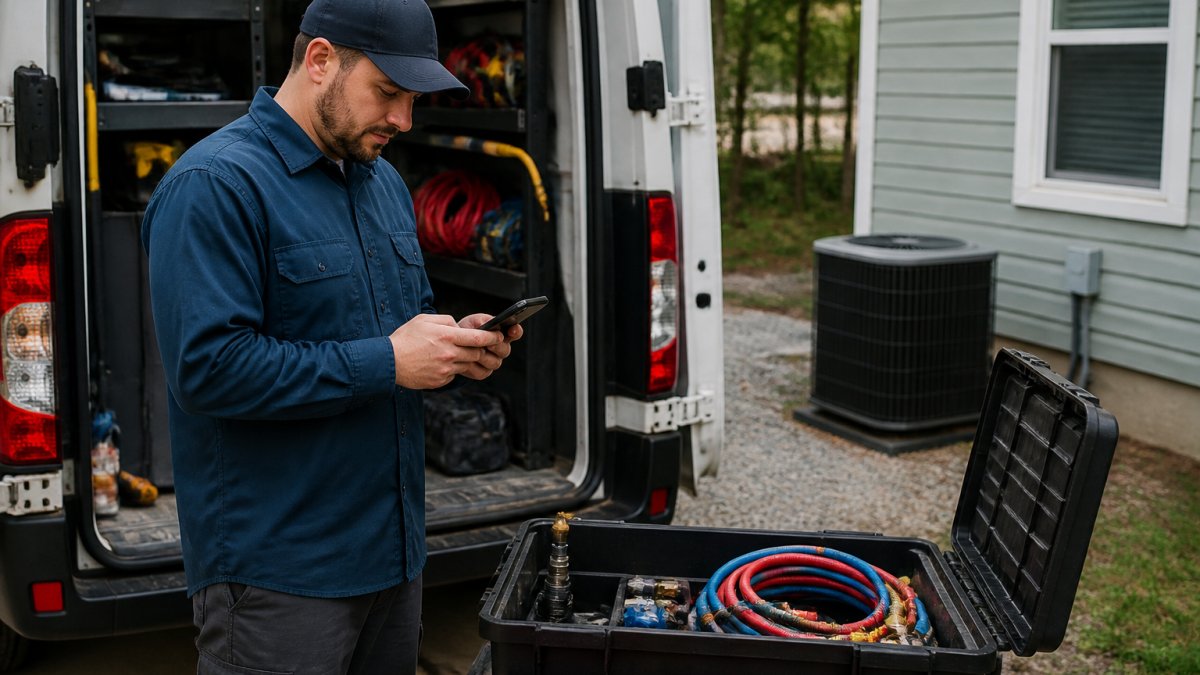
That's genuinely it. You don't need to change your phone number, buy hardware, or learn a dashboard.
AI Answering Service Setup Checklist: Step-by-Step
"Live in minutes" is technically true for a bare-bones configuration, but it hides the stages that determine how well your system handles real calls. Below is a realistic, task-by-task breakdown; times are typical ranges for a small service business.
Stage 1: Account creation and phone number verification (5-10 minutes)
Sign up with the business number customers already call and enter the SMS or automated-call verification code to confirm ownership. If you use VoIP, confirm the number is eligible for forwarding first, some hosted PBX plans restrict third-party forwarding.
Stage 2: Business profile and hours (10-20 minutes)
Enter your legal business name, service categories, service area (ZIP codes or radius), and hours, including after-hours and holiday rules. Incomplete hours are a common cause of the AI promising availability you don't have.
Stage 3: Greeting and call script (15-30 minutes)
Write the greeting, qualifying questions, and closing. A workable home-services script usually has 3-5 open-ended questions: nature of the problem, address or service location, urgency, and best callback number.
Stage 4: Call routing and escalation rules (10-20 minutes)
Decide what happens when the AI can't help: transfer to your cell, transfer to an on-call tech, or take a message. Configure business-hours vs. after-hours routing separately. Set a fallback for failed transfers, usually a text summary plus a callback promise, so a dropped transfer doesn't become a lost lead.
Stage 5: Lead delivery and notifications (5-10 minutes)
Choose SMS, email, or both, then test that summaries arrive with caller name, number, problem description, and urgency. If you use a shared inbox or dispatch board, verify notifications land where your team actually looks.
Stage 6: Integrations, calendar and CRM (15 minutes to several hours)
This is the widest range in the process. A native Google Calendar or Outlook connection takes 15-30 minutes. A CRM integration depends on whether there's a native connector or you need API credentials, field mapping, and a sandbox test, budget 1-3 hours for a first-time connection, plus a follow-up to fix field mismatches.
Stage 7: Number forwarding or porting (5 minutes to 10 business days)
Forwarding is fast: dial a feature code or update your carrier's call-forwarding settings, usually 5-15 minutes. Porting your number requires a Letter of Authorization, a recent phone bill, and carrier approval, and commonly takes 5-10 business days. If speed matters, forward first and port later.
Stage 8: Testing and launch (20-45 minutes)
Run the test plan below before you flip the switch. Testing is where most of the real setup time goes, because it's where you discover script gaps.
Realistic total by complexity
- Basic call answering and lead capture: 45-90 minutes of active work, live same day.
- Appointment booking with calendar sync: 2-4 hours, often split across two sessions.
- CRM integration with field mapping: 4-8 hours across 1-3 days, including a sandbox test.
Launch checklist and test plan
Before going live, confirm each item:
- Greeting plays correctly and names the business accurately.
- All qualifying questions are asked in the intended order.
- AI handles an interrupted caller and a caller who changes topic mid-call.
Post-launch tuning: time to reliable performance
Technical activation is not the same as reliable performance. Review the first 10-20 real call transcripts within the first week and expect to correct one or two recurring misunderstandings, a misheard address, a missed urgency cue, a confusing question. Most businesses reach a stable configuration after 1-2 tuning passes, typically 3-10 business days of light review.
Configuring Call Scripts and Business Information
Your call script is how the AI introduces your business and guides the conversation.
A solid script has three parts:
The greeting: "Hi, thanks for calling [Your Business]. How can I help you today?"
The questions: Ask for the information that matters to you.
The closing: "I've got all that. A team member will call you back shortly."
The AI answering service handles natural back-and-forth conversation.
What gets delivered to you via text:
- Caller name
- Phone number
- The problem they described
You get this summary in seconds. No transcripts to wade through. No voicemails to listen to.
Testing Your AI Answering Service Before Going Live
Testing matters. You want to know the system works before real customers call.
Run these tests before activation:
- Call from your personal phone and speak naturally. Don't read a script.
- Ask a question in a way you'd normally ask it. See how the AI handles it.
- Give incomplete information and see if the AI asks follow-up questions.
Most issues show up in testing, a misunderstood technical term, or a question you realize you need to change. Fix it before live calls arrive.
The system lets you adjust your script and questions without going offline. Make changes, test again, verify they work, then activate.
Understanding AI Answering Service Response Time
Response time is how fast the AI picks up the call.
Most AI systems answer within the first ring. Your caller hears a greeting immediately. No waiting.
This matters because callers hang up fast. A three-second delay feels like forever.
Compare this to traditional voicemail. A caller leaves a message. You listen later. You call back. They might not answer.
What Can Delay Your Setup and How to Avoid It
Most setups finish in under a day. The delays that do occur are predictable, and almost all come from four sources: phone-number logistics, incomplete business information, integration permissions, and approval or compliance review. Knowing the mechanism behind each is the difference between a same-day launch and a two-week stall.
1. Number porting vs. forwarding
Forwarding is a settings change and takes minutes. Porting your existing number is a carrier process: Letter of Authorization, recent bill, carrier review, and a scheduled cutover. It commonly takes 5-10 business days and occasionally longer if the losing carrier rejects the request or the account information doesn't match. Avoid it: forward now, port later. You get live coverage today and migrate the number on your own timeline.
2. Incomplete business information
If you haven't decided your service area, after-hours policy, or which questions matter, configuration stalls mid-session. The AI can only be as precise as the profile you give it. Avoid it: fill out a one-page intake before you log in, business name, hours, service ZIPs, top five call reasons, and the one thing you never want the AI to promise.
3. Integration permissions and credentials
Calendar and CRM connections fail for mundane reasons: the admin who owns the Google Workspace or Microsoft 365 tenant hasn't approved the app, API keys have expired, or the CRM user lacks permission to create records. These are permission problems, not configuration problems, and can add hours or days depending on who has to click approve. Avoid it: identify the account admin before setup day and confirm the integration is allowed by your IT or software vendor.
4. Approval and compliance review
Larger shops, franchises, and any business in a regulated category may need internal sign-off on call recording, consent language, or data handling before the AI can answer live calls. This is the single biggest driver of multi-week timelines, and it has nothing to do with the software. Avoid it: ask legal or compliance early whether recorded calls and AI handling require disclosure, and build the disclosure into the greeting from day one.
5. Complex call flows
Multi-location routing, language selection, on-call rotation by technician, and after-hours escalation trees take longer to design and test than a single-location script. Each branch is another path to test. Avoid it: launch the simplest flow that covers 80% of calls, then add branches after reviewing real transcripts.
6. Testing surprises
A test call reveals a misunderstood term or a missing question, you edit, and you test again. That loop is healthy but adds time. Avoid it: block a full hour for testing rather than squeezing it into five minutes, and test with someone who isn't you, you know what you meant, a real caller doesn't.
Setup time vs. a human answering service
A traditional human answering service typically requires a contract, a script intake call, agent training, and a scheduling handoff, commonly several business days to two weeks before agents answer confidently, plus ongoing time to update scripts and brief new agents. An AI answering service compresses the front end to hours, but the honest comparison is not "instant vs. weeks." It's "hours of configuration plus a week of transcript review" versus "days of onboarding plus ongoing agent management." For most small service businesses, the AI path reaches a stable configuration faster, and script or routing changes take minutes rather than a new training cycle.
Quick delay-avoidance checklist
- Confirm whether you're forwarding or porting, and choose forwarding if speed matters.
- Complete a one-page business intake before logging in.
- Identify the calendar/CRM admin and confirm integration permissions in advance.
Frequently Asked Questions
How long does it take to set up an AI answering service?
Most businesses get their AI answering service running in 15 to 30 minutes. Initial setup takes 5 to 10 minutes, configuring call scripts and business details adds 5 to 15 minutes, and testing before going live takes another 5 to 10 minutes. For trade contractors and service businesses, the process is designed to be fast because you don't have time to waste on complex dashboards or lengthy onboarding.
What information do I need to prepare before setting up an AI answering service?
Gather your business phone number, business hours, emergency contact information, and details about the services you offer. Write down common questions customers ask and how you want the AI to handle them. Have your calendar or scheduling system ready if you offer appointment booking. For HVAC, plumbing, and electrical shops, include typical service areas if relevant. This prep work takes 5 to 10 minutes and prevents delays during setup.
How can I test an AI answering service before going live?
Call your business number from a different phone and listen to how the AI greets callers. Ask test questions to verify it captures details correctly, then request a test appointment booking if available. Check that the AI transfers urgent calls to you or sends lead summaries via text as expected. Most AI answering services let you test in a sandbox mode before activating live call handling, so you can catch issues before real customers call.
What response time should I expect from an AI answering service?
A quality AI answering service answers on the first ring or within 2 to 3 seconds. The AI should capture caller details and deliver them to you via text within seconds of the call ending. For trade contractors who miss calls while on job sites, instant lead delivery is critical so you can call back quickly and win the job. Response time depends on your phone system setup and the service provider's infrastructure, but modern AI answering services are built for speed.
Getting your AI answering service live fast means you stop losing calls today. The setup is straightforward, no technical skills needed, no complicated configuration. CallGrabbr is built specifically for trade contractors who need to capture leads without the headache. Start your 14-day trial and see how many calls you've been missing. With a 30-day money-back guarantee, there's no risk to finding out if this works for your business.